
Website Builder Kit
Answer ~14 questions. Your AI assistant builds the site.
A full Next.js codebase plus a setup wizard that runs inside Claude Code or Codex. It interviews you about your business and builds a real site — no coding, no hand-editing files.
3 site types, ~14 questions, 20 ready sections, 1 command to start.
€50one-time, 1 site per license
Features
What it does
Three site types, already decided
Brochure site, product catalog with admin panel, or e-commerce/booking. The wizard picks one from your answers — no blank-slate architecture.
A short, specific interview
~14 questions max. Only the ones that change the build: what you sell, which pages, which photos. No brand-values workshop.
Defaults from real client work
Every fixed decision comes from sites I've shipped for paying clients. The assistant applies them instead of improvising.
Built to go live
Working contact form, image optimization, admin uploads to Cloudflare R2, Stripe-ready checkout, and step-by-step deploy guides.
Real project
See it work
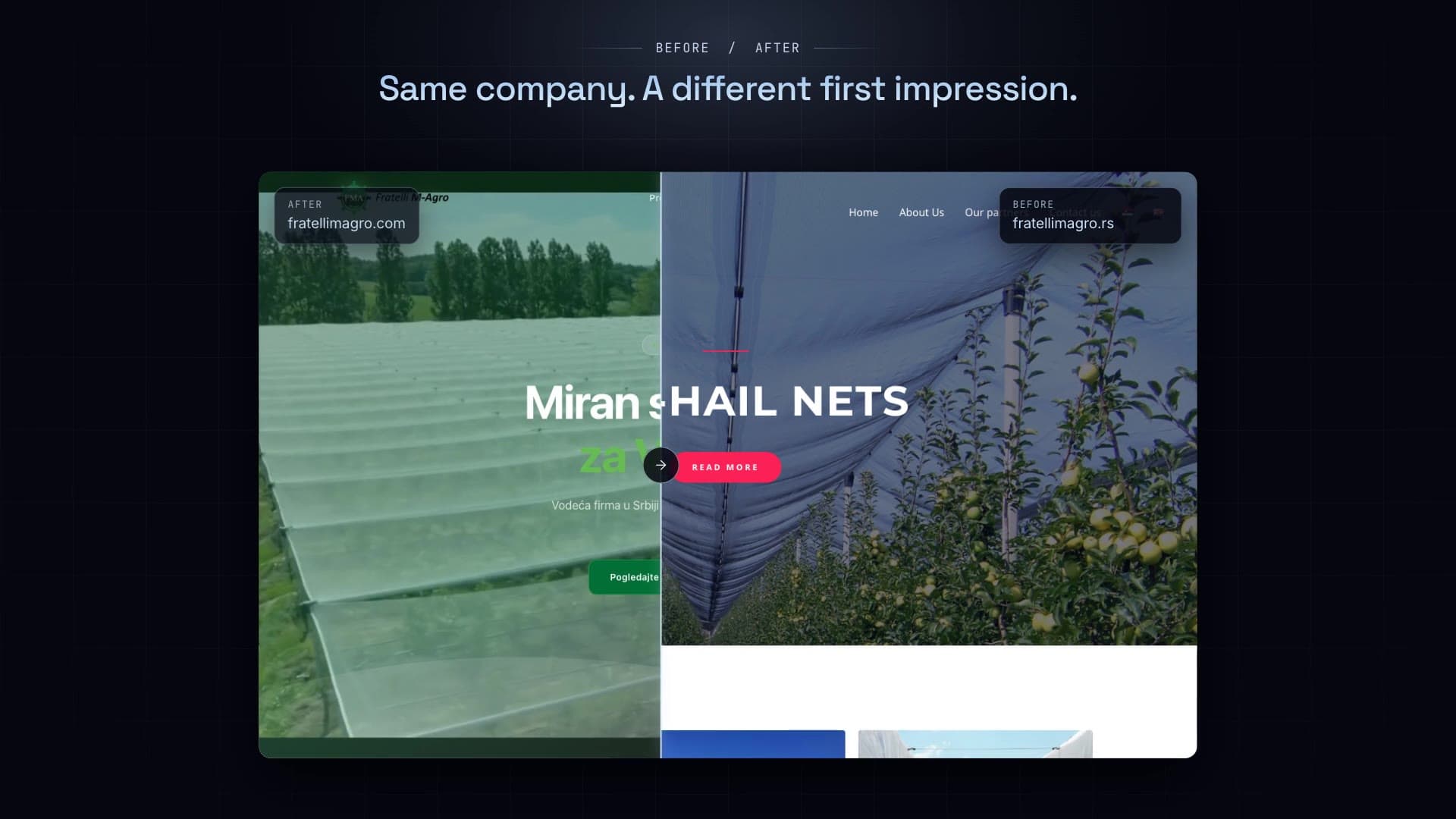
Same company. A different first impression.
A real client: a 4-page WordPress theme from years ago, rebuilt as a product catalogue on the client's own domain.
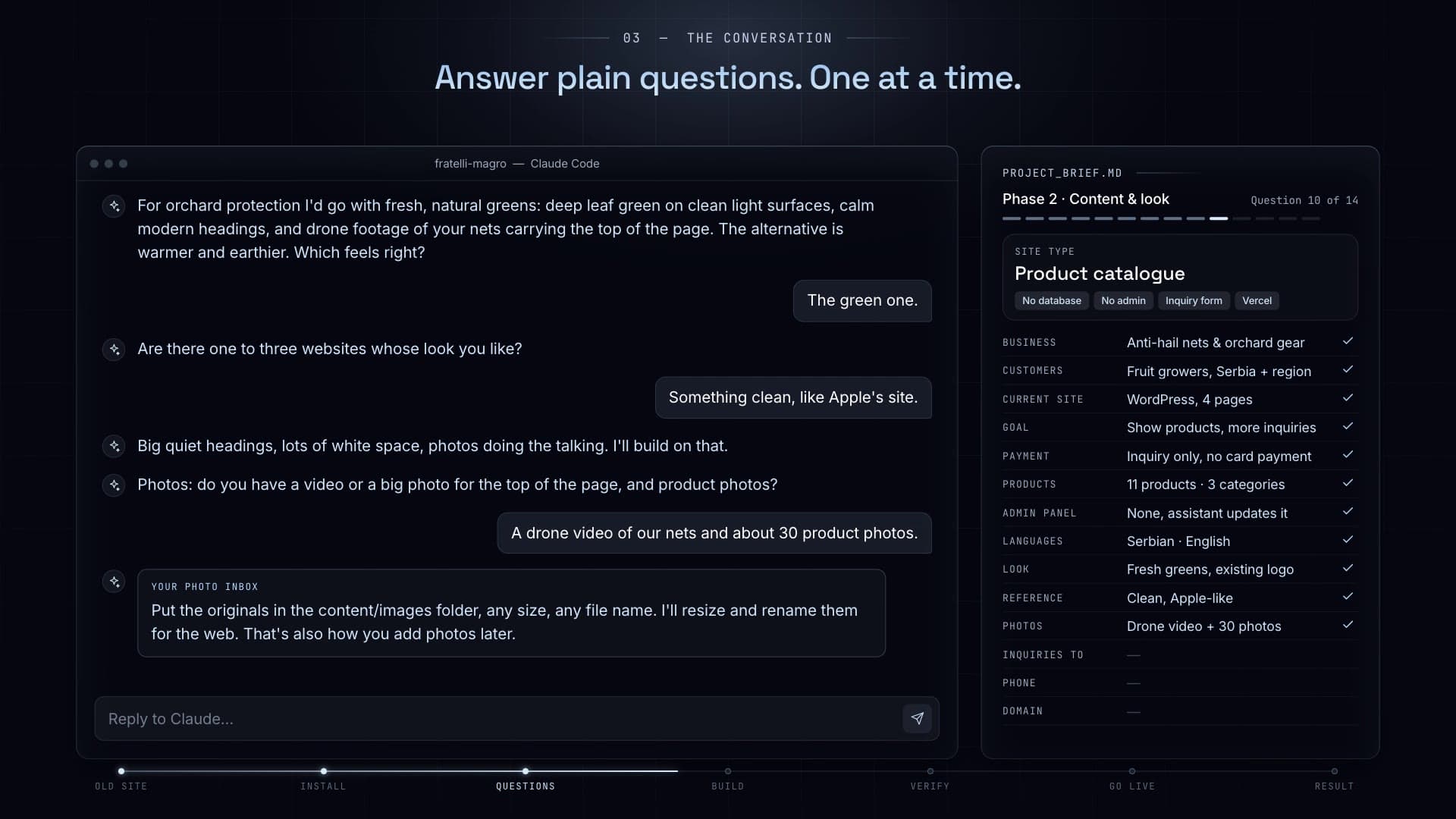
Answer plain questions
One at a time, in your words. The brief fills itself in on the right as you go.
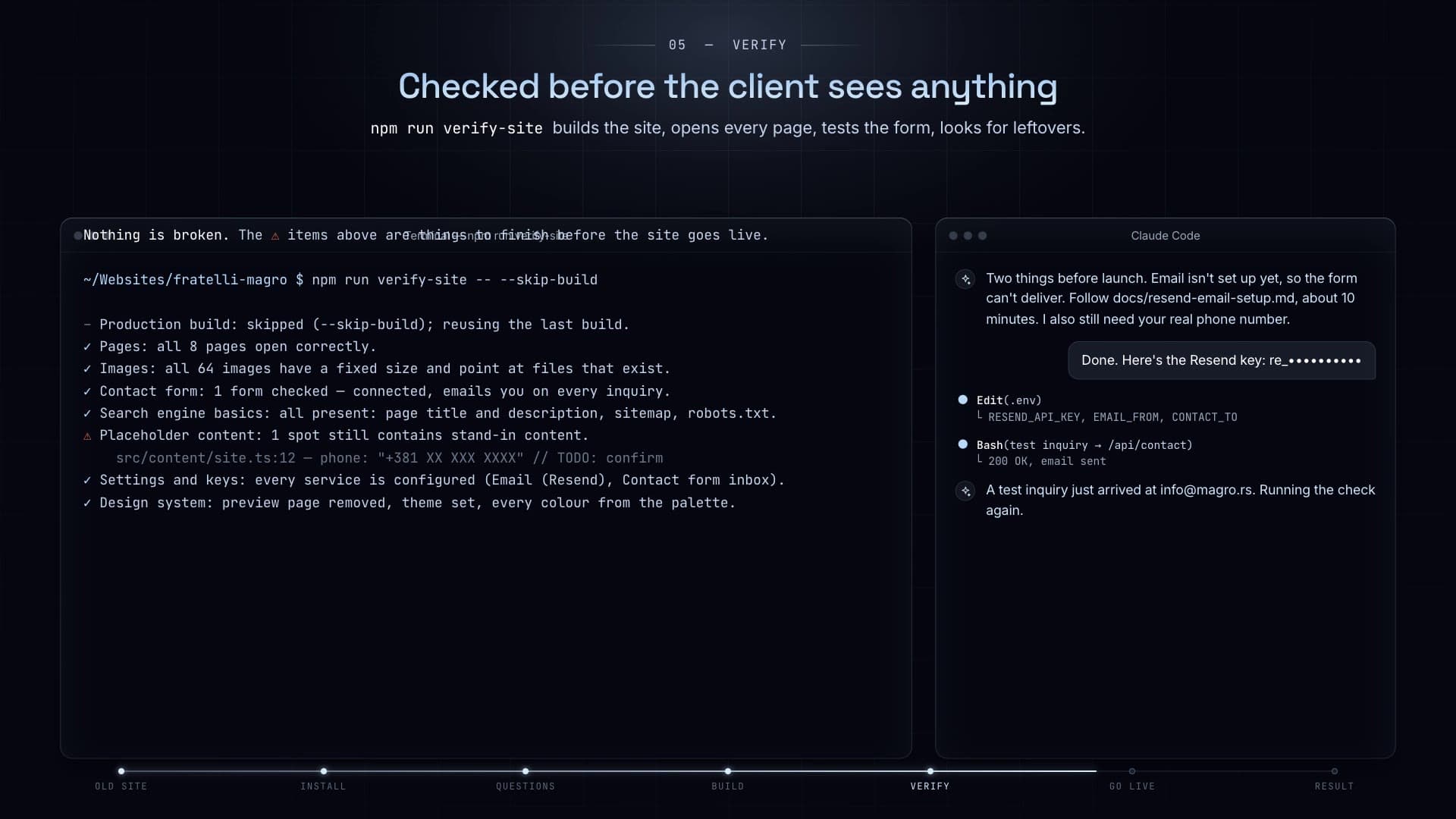
Checked before anyone sees it
One command builds the site, opens every page, tests the contact form and flags anything left to finish.
Process
How it works
- 01
Install Node.js
One download from nodejs.org, default options.
- 02
Run one command
npx website-builder-kit — enter your license key and it opens your AI assistant on the first question.
- 03
Answer the questions
Drop your photos in a folder. The assistant builds while you watch a live preview.
- 04
Put it online
Follow the deploy guide — Vercel, or your own server on Hetzner + Coolify.
Walkthrough · 3:40
Start to finish, one real site
What you get
- Full Next.js + TypeScript + Tailwind source code
- Setup wizard for Claude Code and Codex
- 20-section page library (heroes, gallery, pricing, booking, FAQ…)
- Admin panel with drag-and-drop image upload
- Guides: install, preview, deploy, email, image storage, VPS
- Diagnostic, backup, and image-optimization scripts
What you need
- A computer with a terminal (Mac or Windows)
- Claude Pro or ChatGPT Plus — the plan you already pay for
- Your texts and photos
FAQ
Questions
Do I need to know how to code?
No. You need to install one program and open a terminal. The assistant does the building.
Who owns the site?
You. One license covers one business or one client. You keep everything the site earns.
Where does it run?
Anywhere Next.js runs. The guides cover Vercel and a self-hosted VPS.
What if I get stuck?
A troubleshooting guide covers the common setup issues, and a log-collection script packages everything I need to help you.
Answer ~14 questions. Your AI assistant builds the site.
€50 — one-time, 1 site per license
Questions? support@luka-dev.com
More things I built
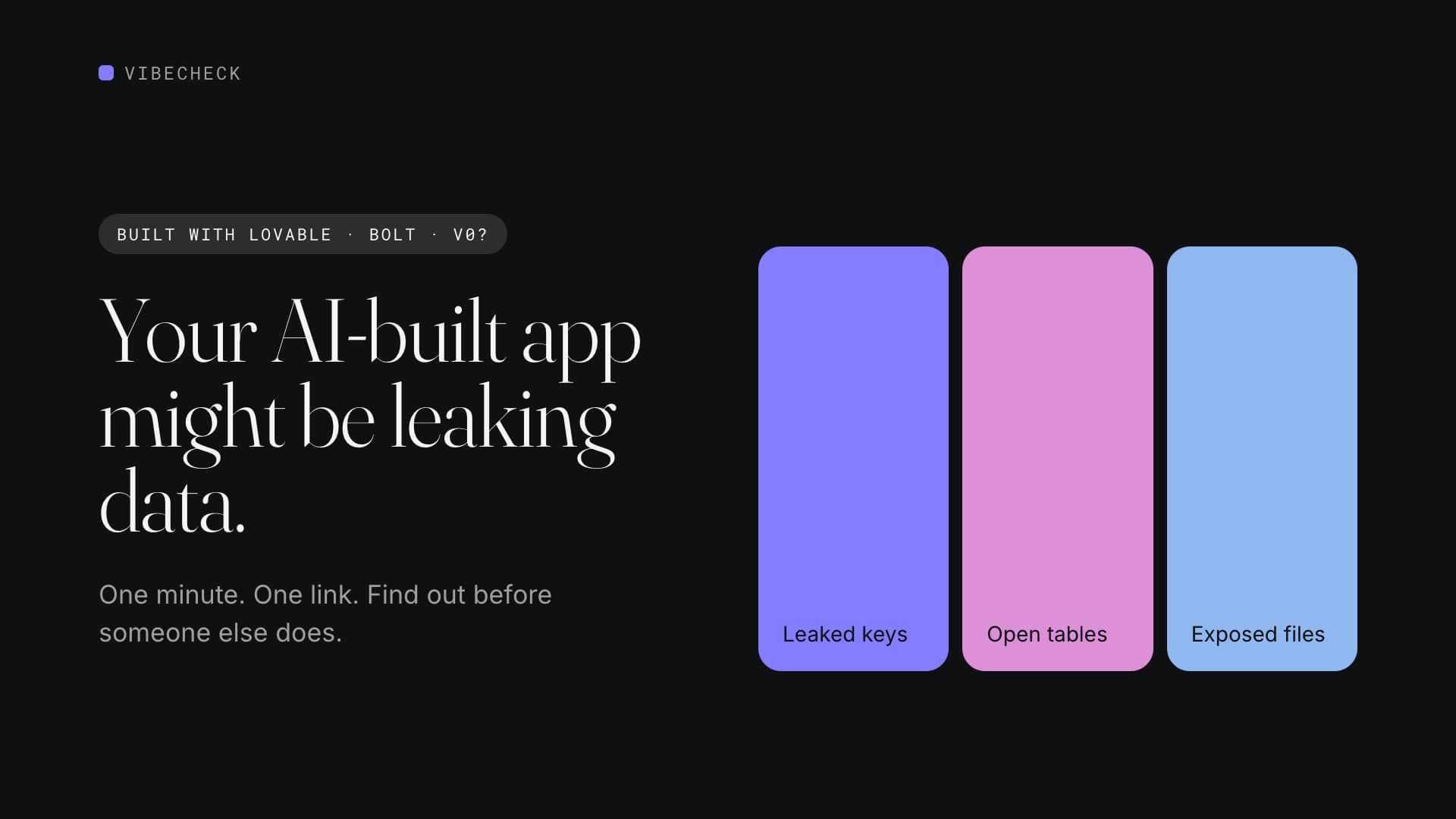
VibeCheck
AvailableFind out if your AI-built app leaks data. In one minute.
~1-minute scan, 20+ secret-key types, 13 check groups, free grade — €18 full report.
€18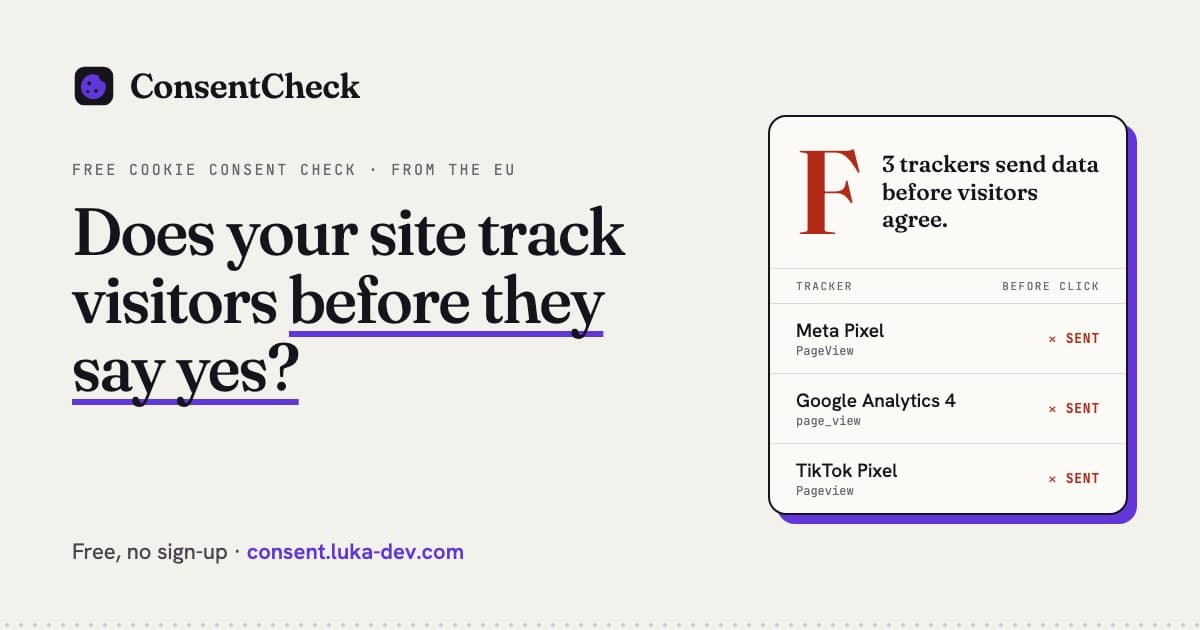
ConsentCheck
AvailableDoes your site track visitors before they say yes?
3 browser visits, 20+ trackers, 15+ consent platforms, free grade — €19 full report.
€19